
Restaurant & Delivery Platform – Mobile App
Build a full-featured restaurant and food delivery app in weeks, not months. OneEntry powers menu management, online ordering, table bookings, delivery tracking, payments and customer engagement.
All managed within the OneEntry platform
Business Benefits
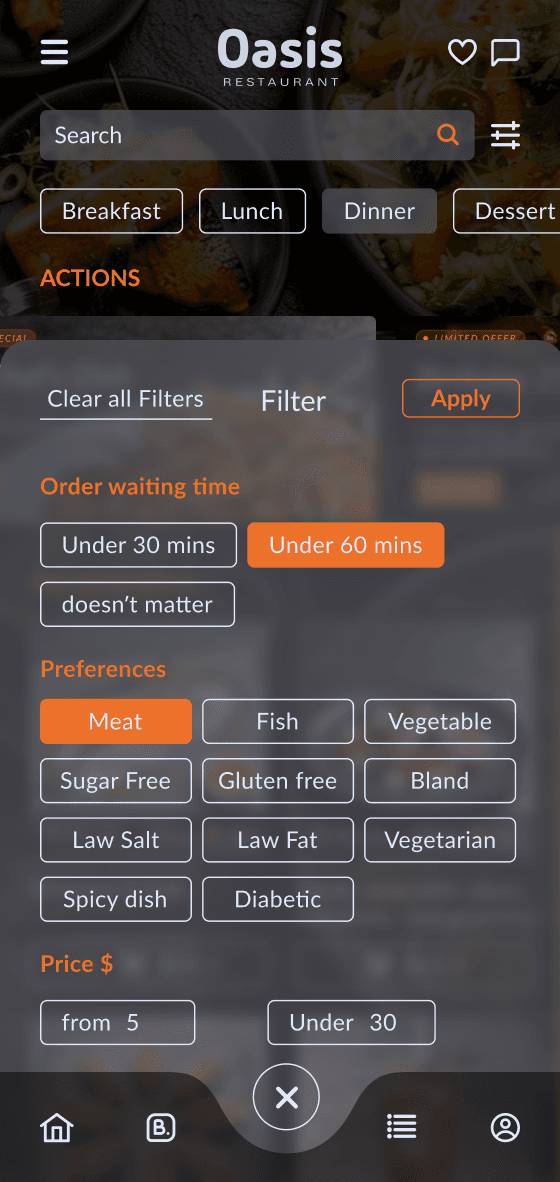
Advanced search, filtering
& recommendations
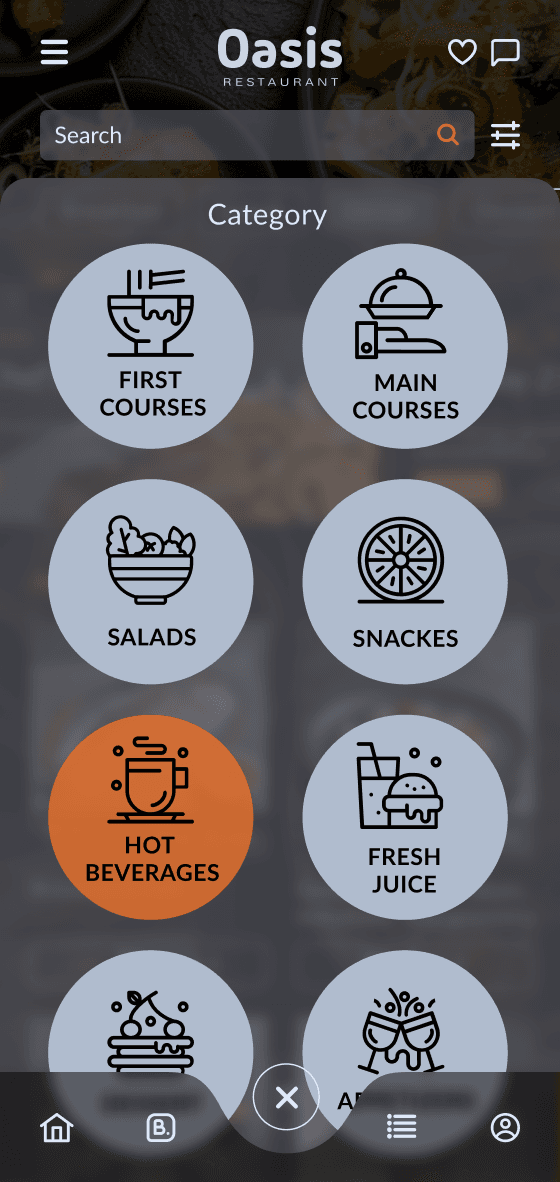
Customers can quickly discover dishes, products, or restaurants using filters by category, cuisine, price, dietary preferences, ratings, location, and delivery zones. Built-in recommendation logic helps increase engagement and order value with trending items, personalized offers, repeat purchases, complementary products, and smart cart-based suggestions.
Centralized data
& integrations
A unified system for managing customers, orders, menus, payments, inventory, and couriers, with integrations for POS systems, payment gateways, accounting platforms, and external delivery services, plus flexible workflows and business automation.
Table booking
& reservation management
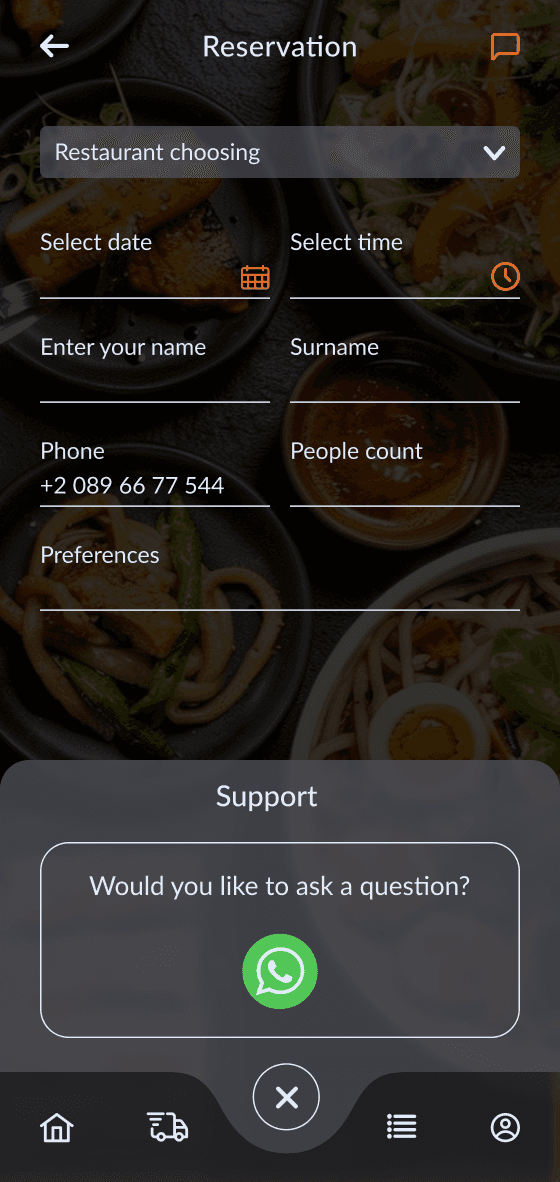
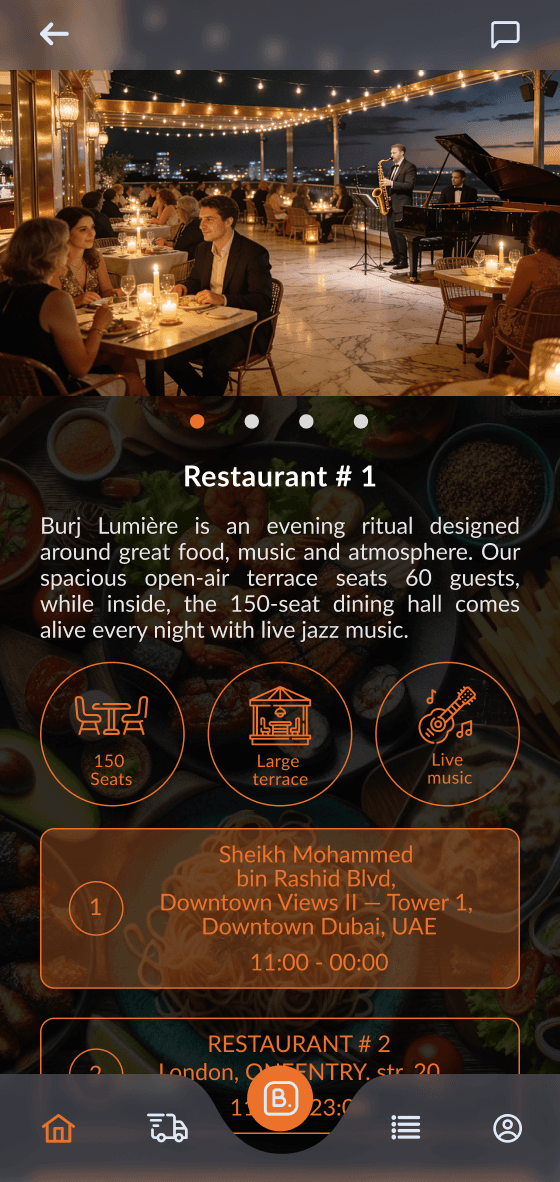
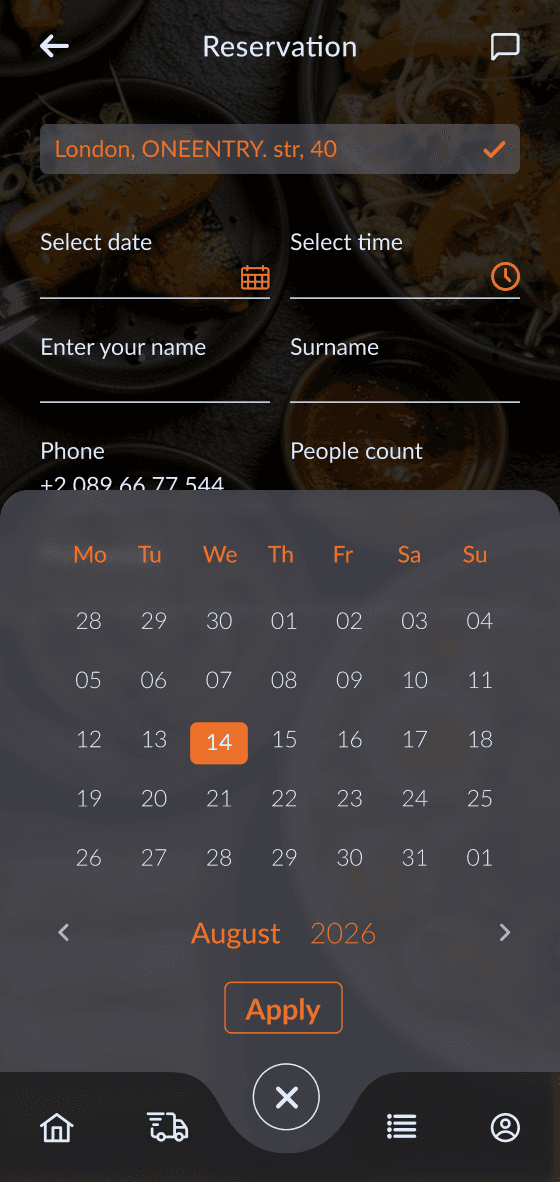
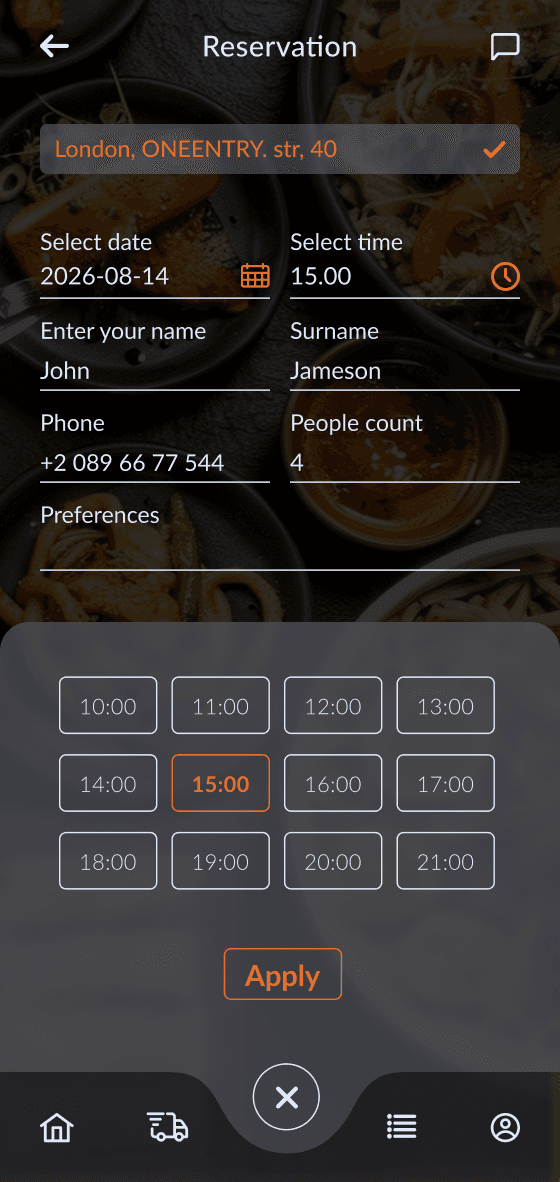
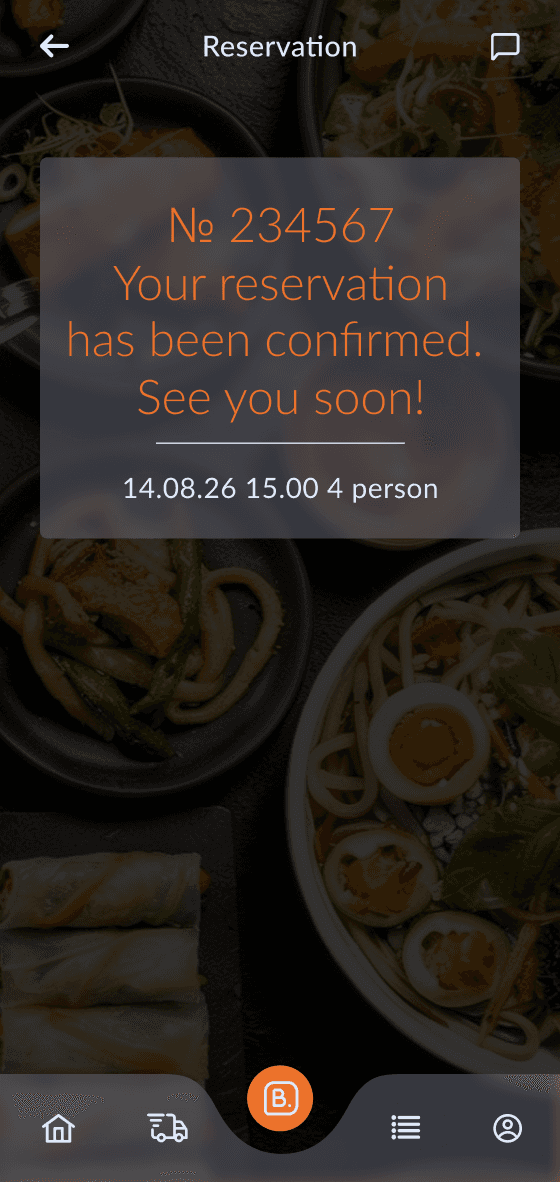
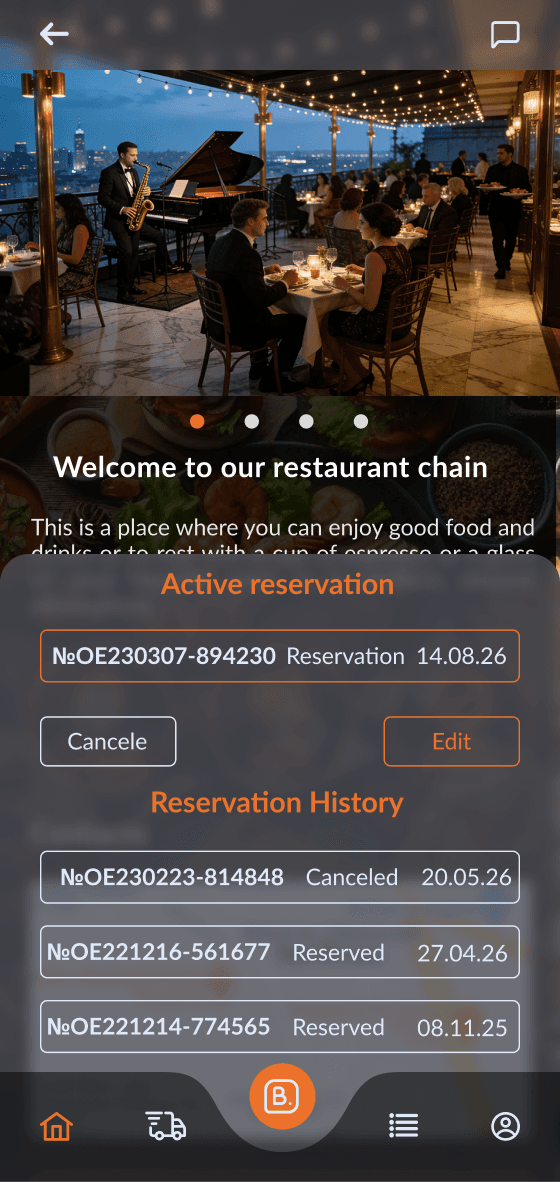
Manage table reservations, dining area availability, schedules, private events, weddings, and group bookings, with automated confirmation and cancellation notifications.
Menu
& inventory management
Centralized management of menus, categories, pricing, promotions, and inventory levels, with synchronized updates across the app, website, and delivery aggregators.
Customer engagement
& loyalty
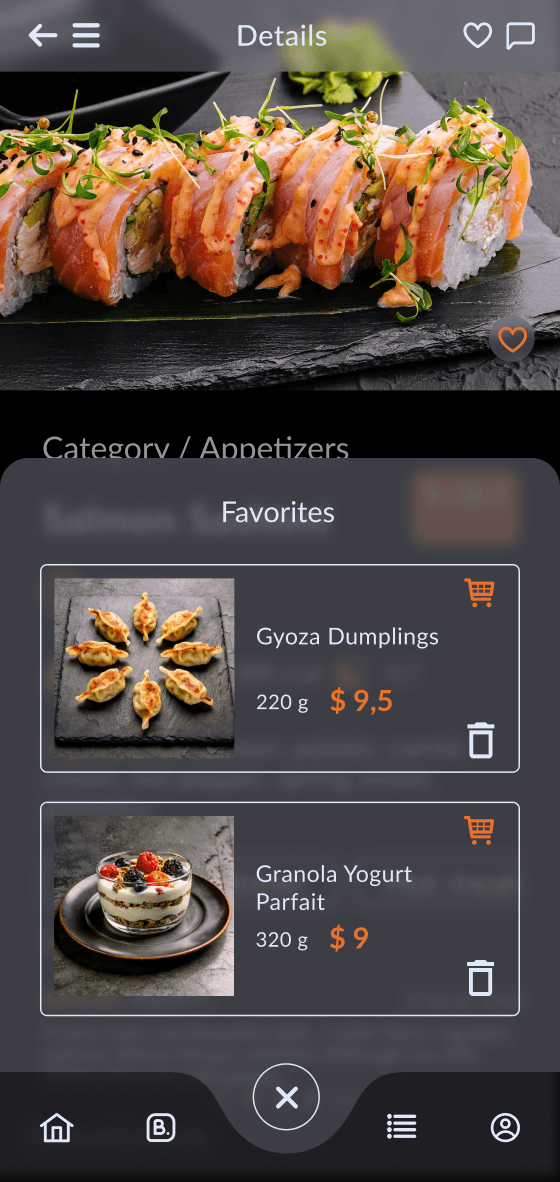
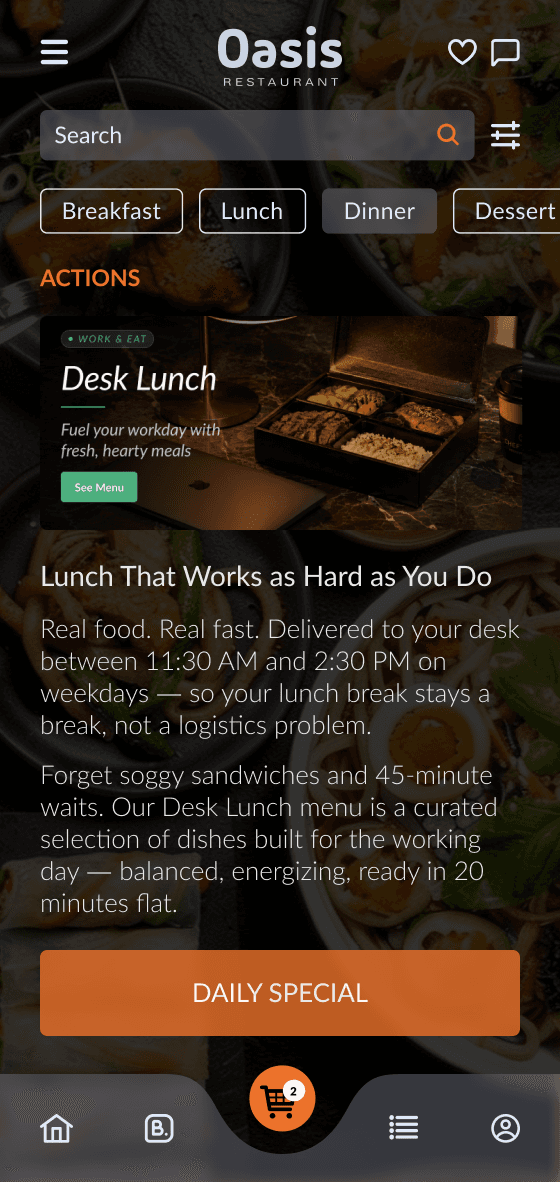
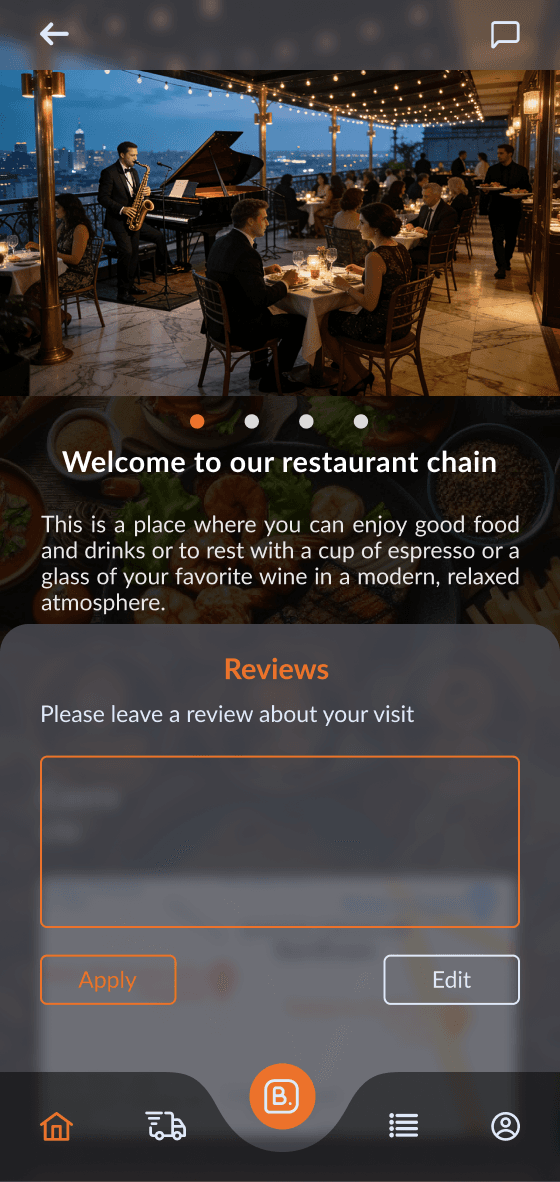
Push notifications for new dishes and promotions, loyalty programs, reviews, ratings, personalized offers, and customer feedback collection and analysis.
Online ordering
& delivery management
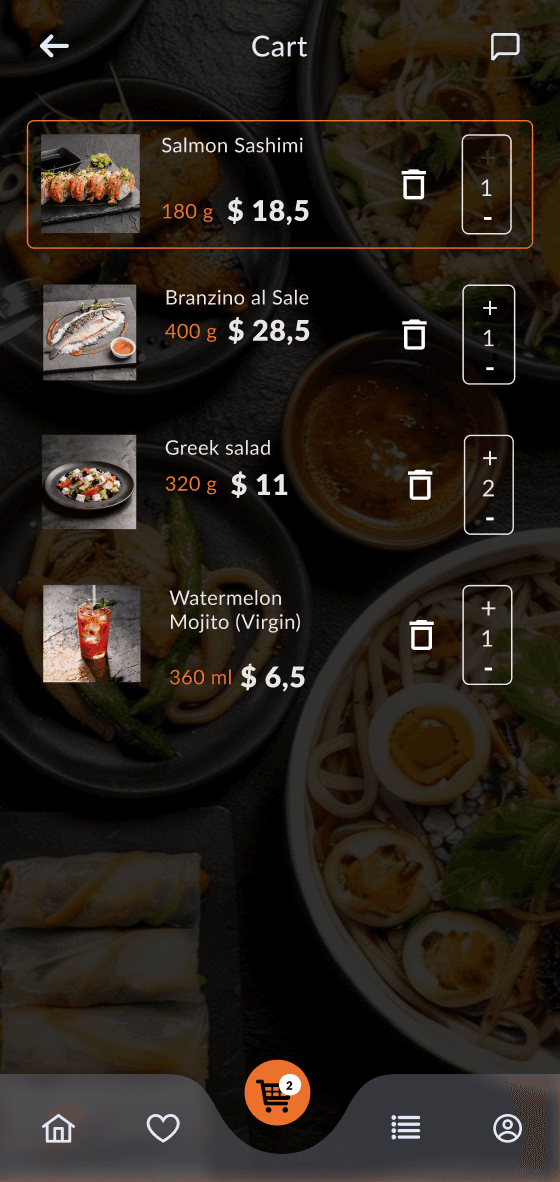
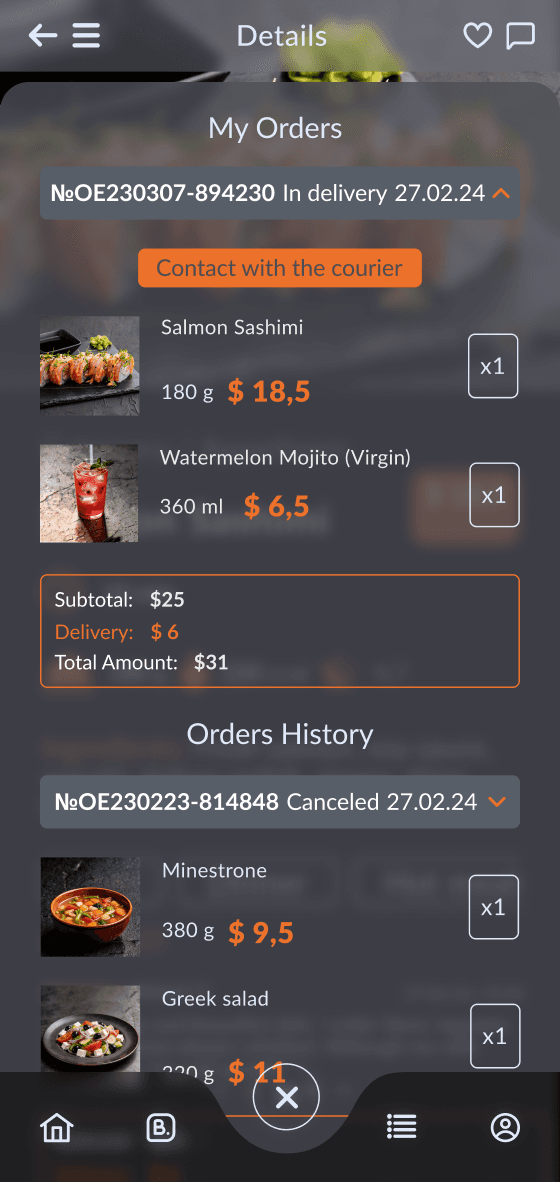
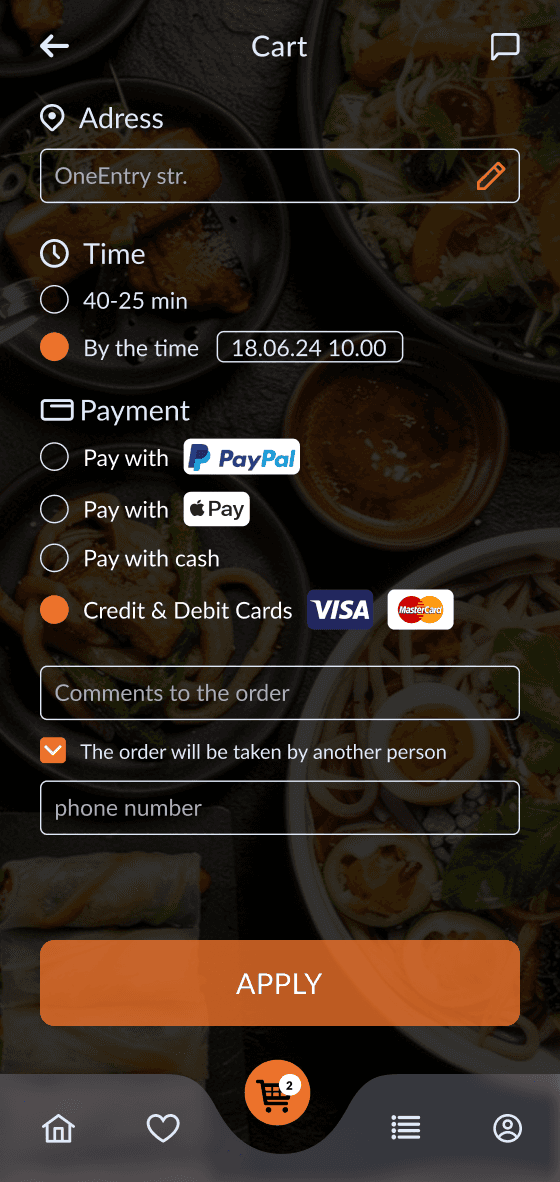
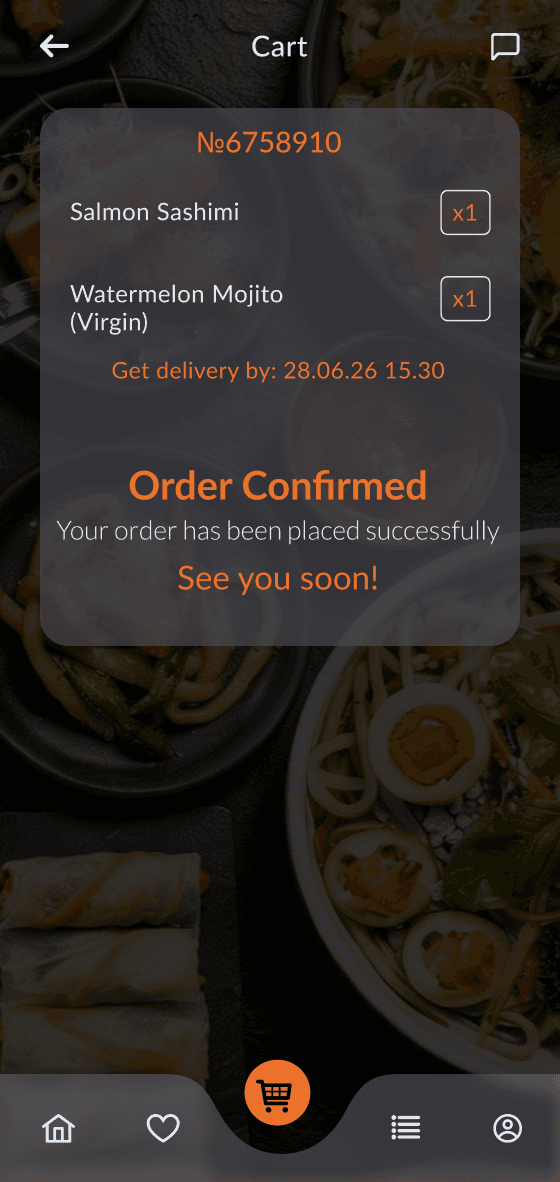
Instant food ordering for pickup or delivery, with real-time management of carts, addresses, order statuses, and couriers.
Use Cases
Examples of businesses this application can support
Cafés, Bars & Restaurants
Menus, table reservations, and venue management
Digital Menus
Interactive menus, QR ordering, and real-time updates
Event Catering & Food Delivery
Catering management, order processing, delivery tracking, and bulk orders
Functionality
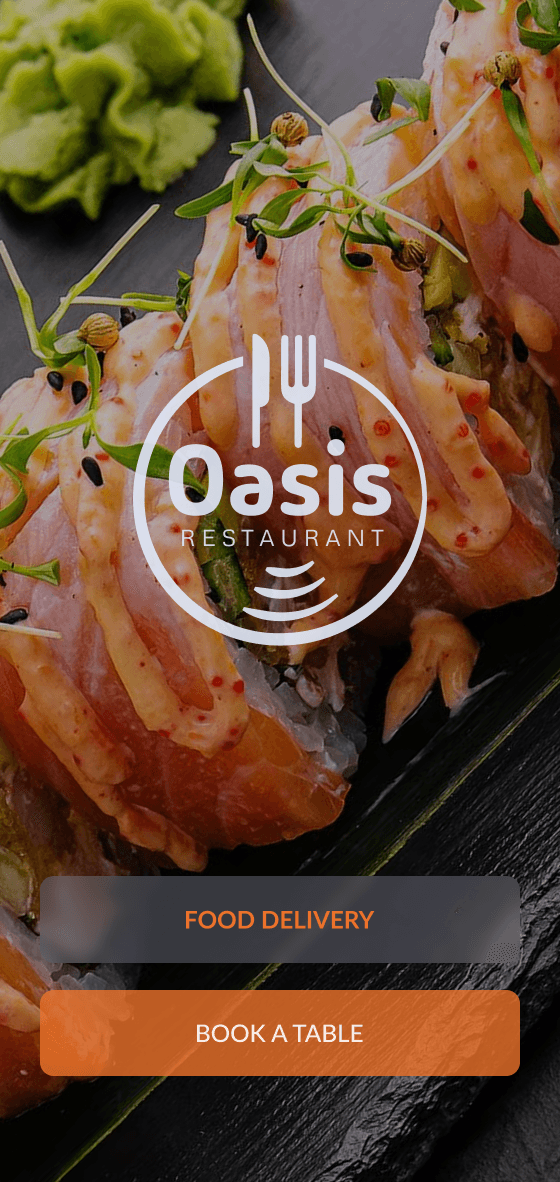
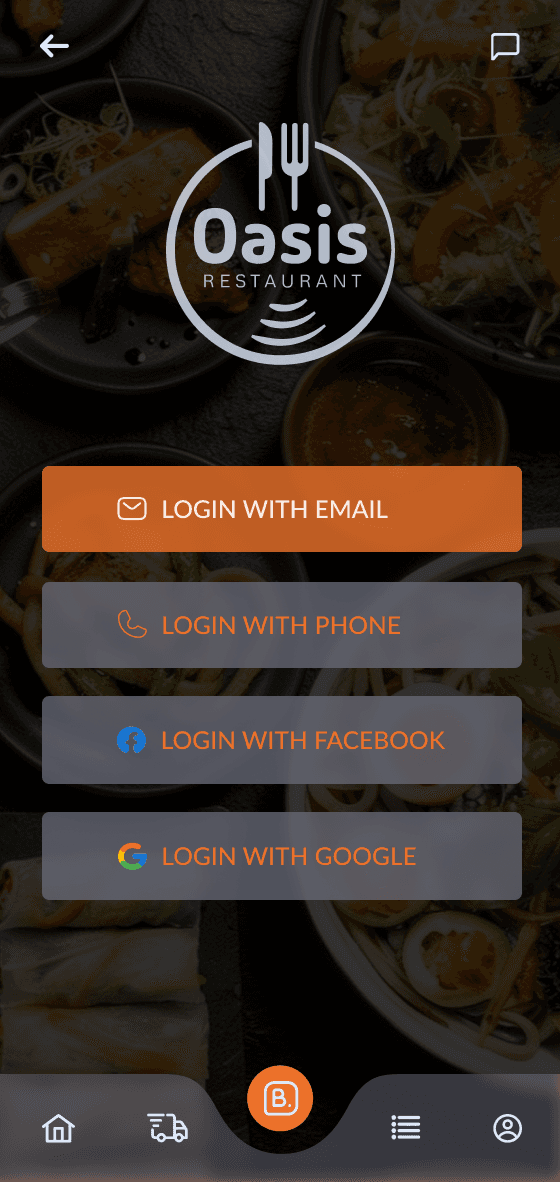
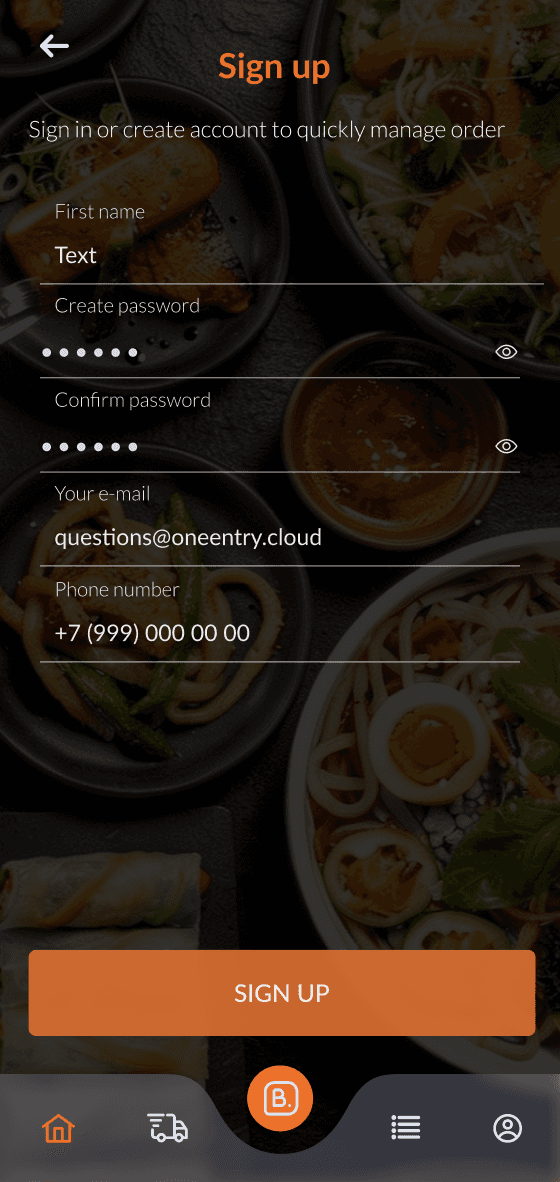
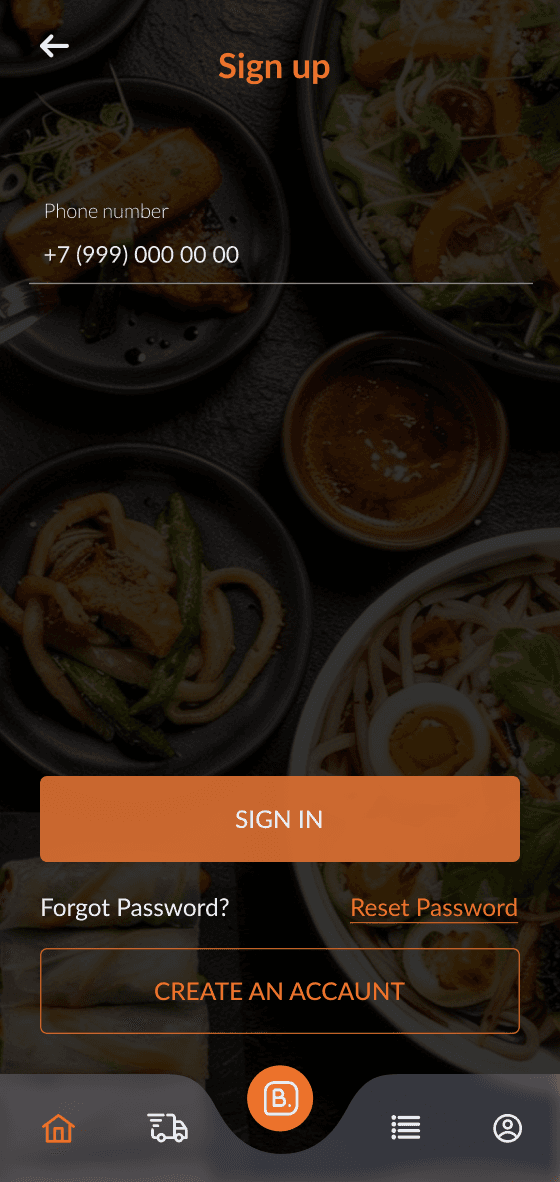
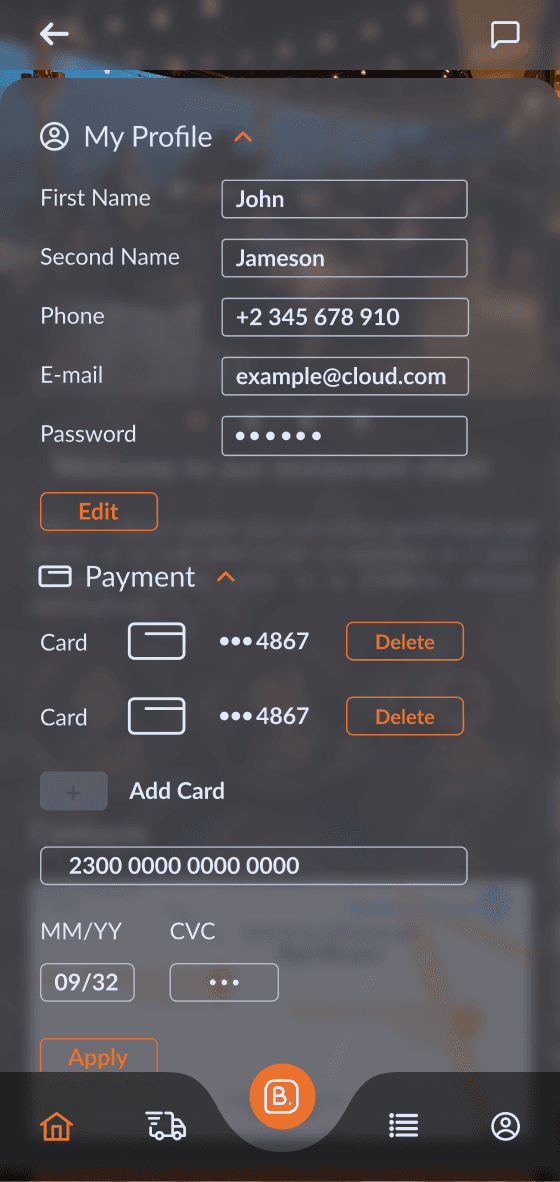
Explore the key features through real application screens
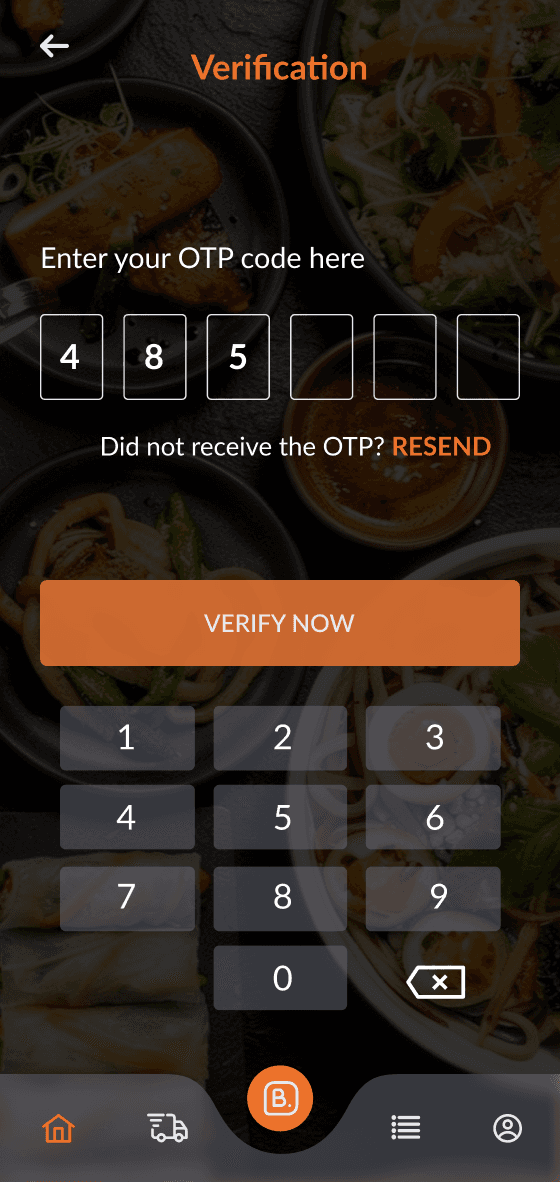
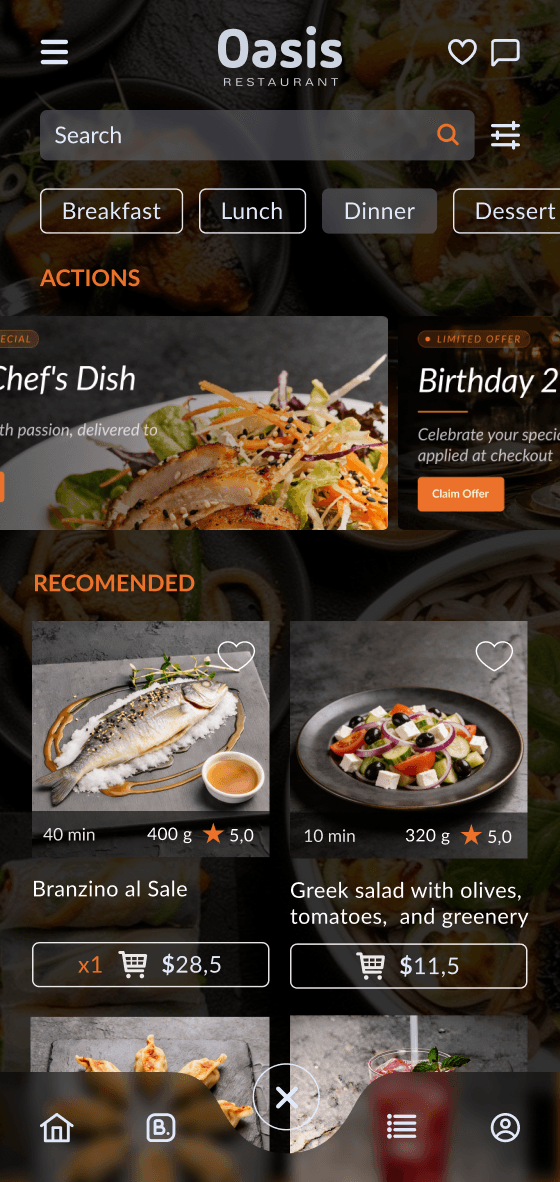
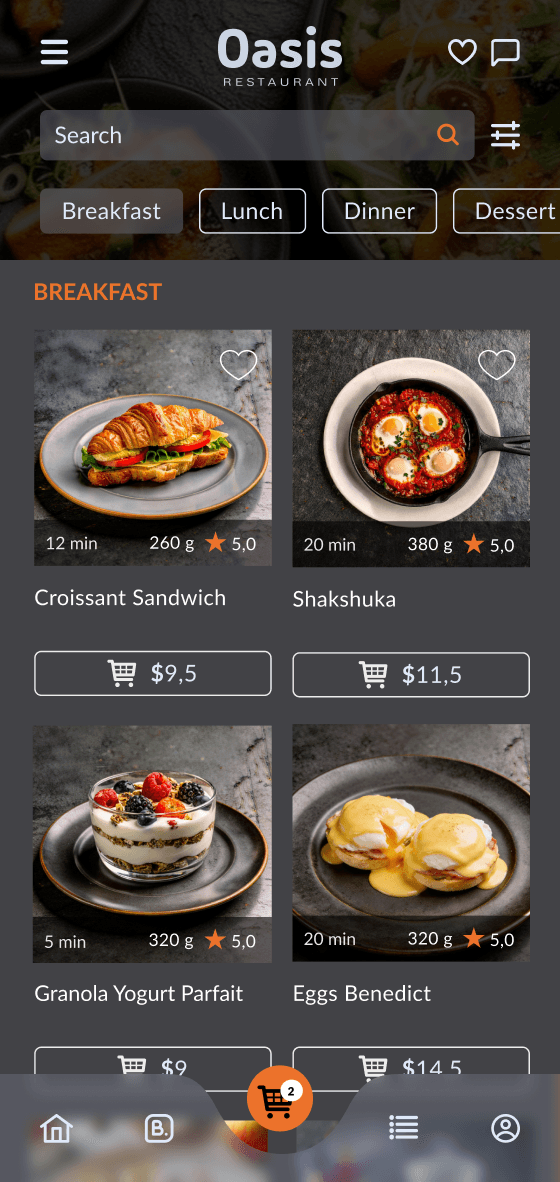
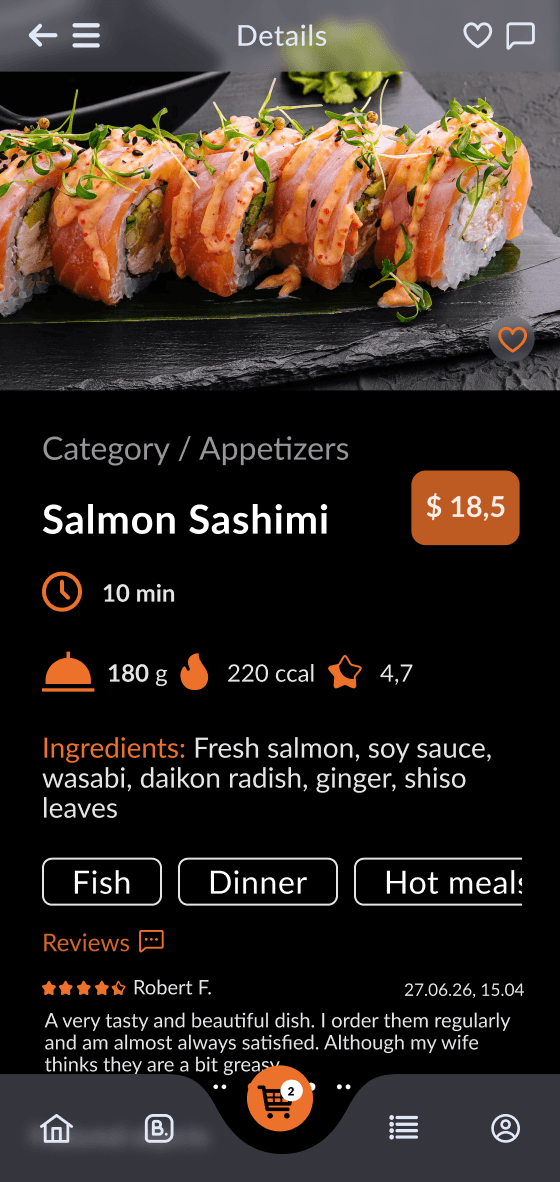
Setup Guide
Clone the project
Register on the website: oneentry.cloud

Set up your project: Create a project
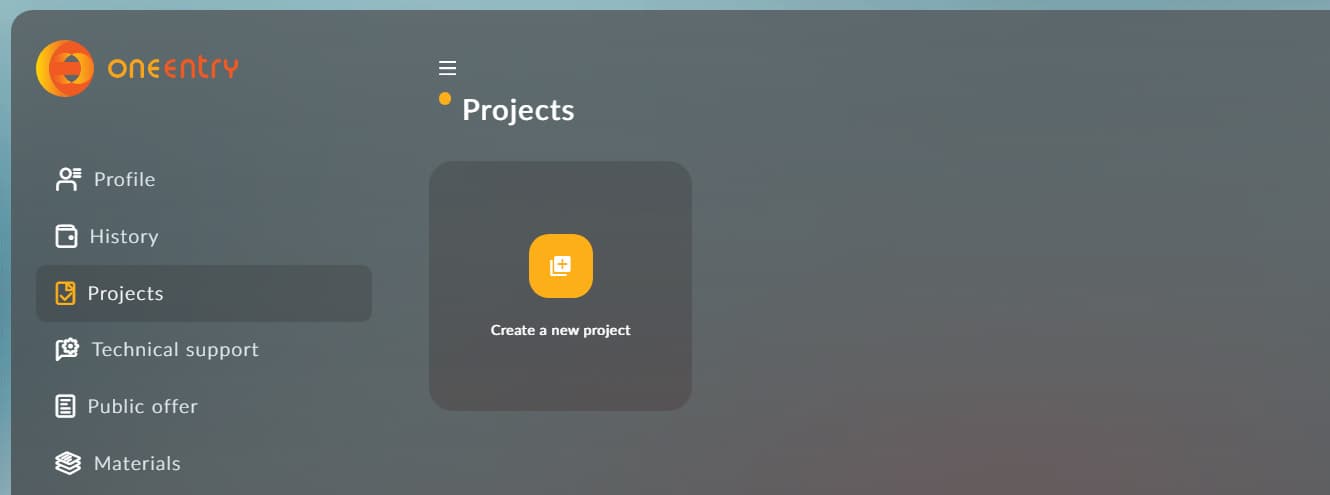
Create and add a Configuration.xcconfig file,
then specify the following variables in it:
The token is created in your project: Settings - App tokens
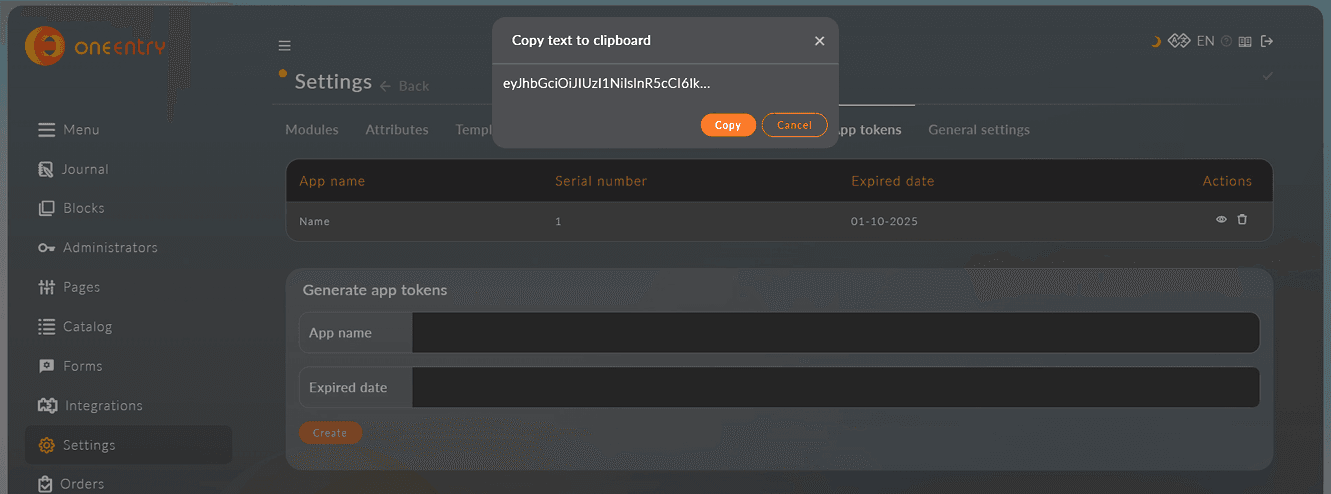
Run the build in Xcode with the combination CMD+R
Download, set up, and use!
Download the source code
Free · version 0.0.1 beta
Available Frontend Implementations
Web App
React-based web framework for fast, scalable applications with strong SEO performance